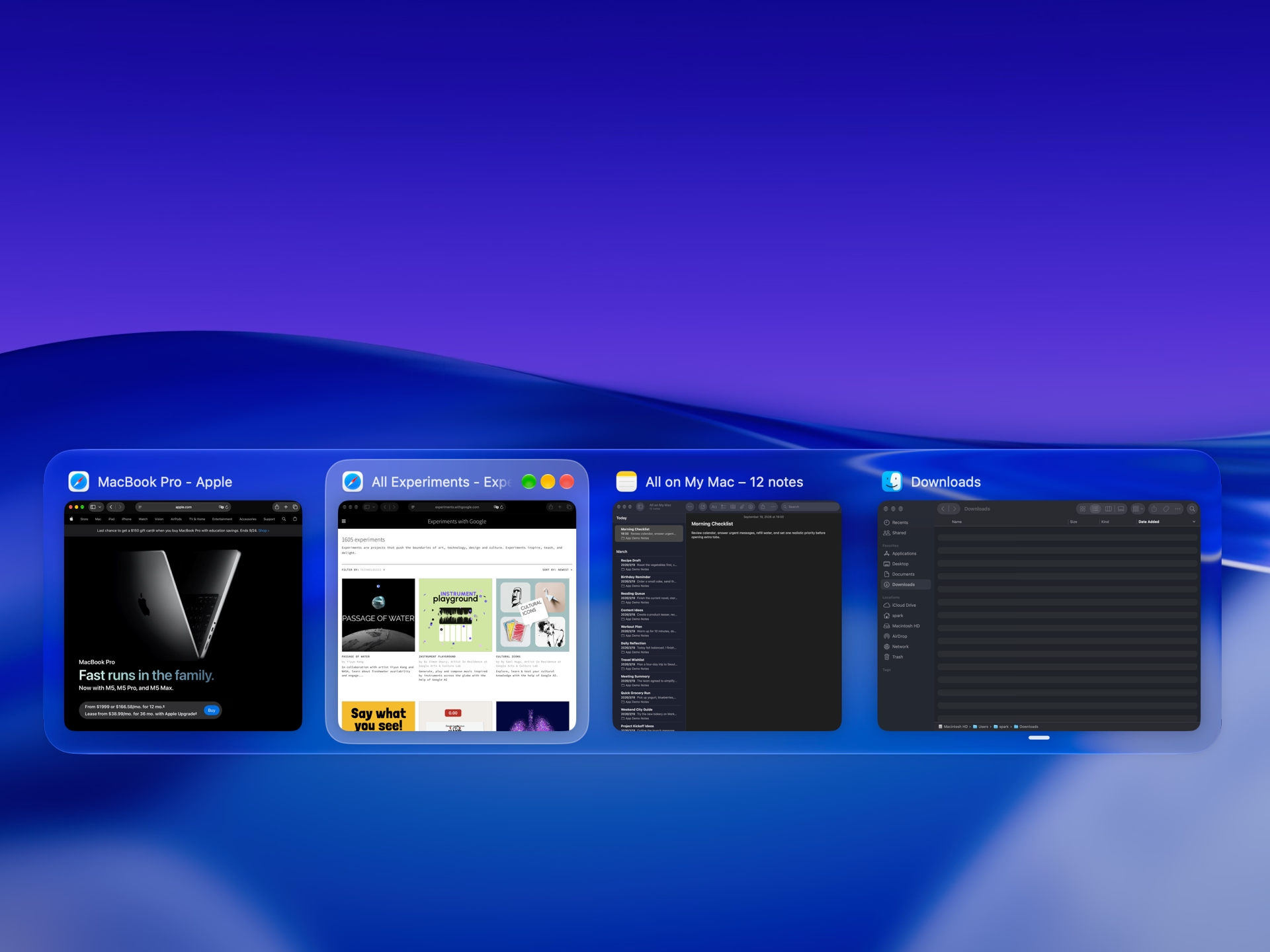
Horizontal previews
One shortcut shows every window as a thumbnail. Recognize the page you want by sight, across all apps or just the one you’re using.
Tangrid brings window management on Mac into one app: automatic tiling, snapping, window search and saved layouts. Built for macOS 14 and later, with native Spaces and multiple displays.
Auto Flow adjusts the layout as windows open and as you work. Tabs let you preview, switch between, and move related windows together.
Drag a window to an edge or into a gap, and preview where it will land before you let go. A modifier key lets you move or resize it from anywhere in the window without reaching for the title bar.
Every open window gets its own entry, so you go straight to the window instead of picking the app first.
One shortcut shows every window as a thumbnail. Recognize the page you want by sight, across all apps or just the one you’re using.
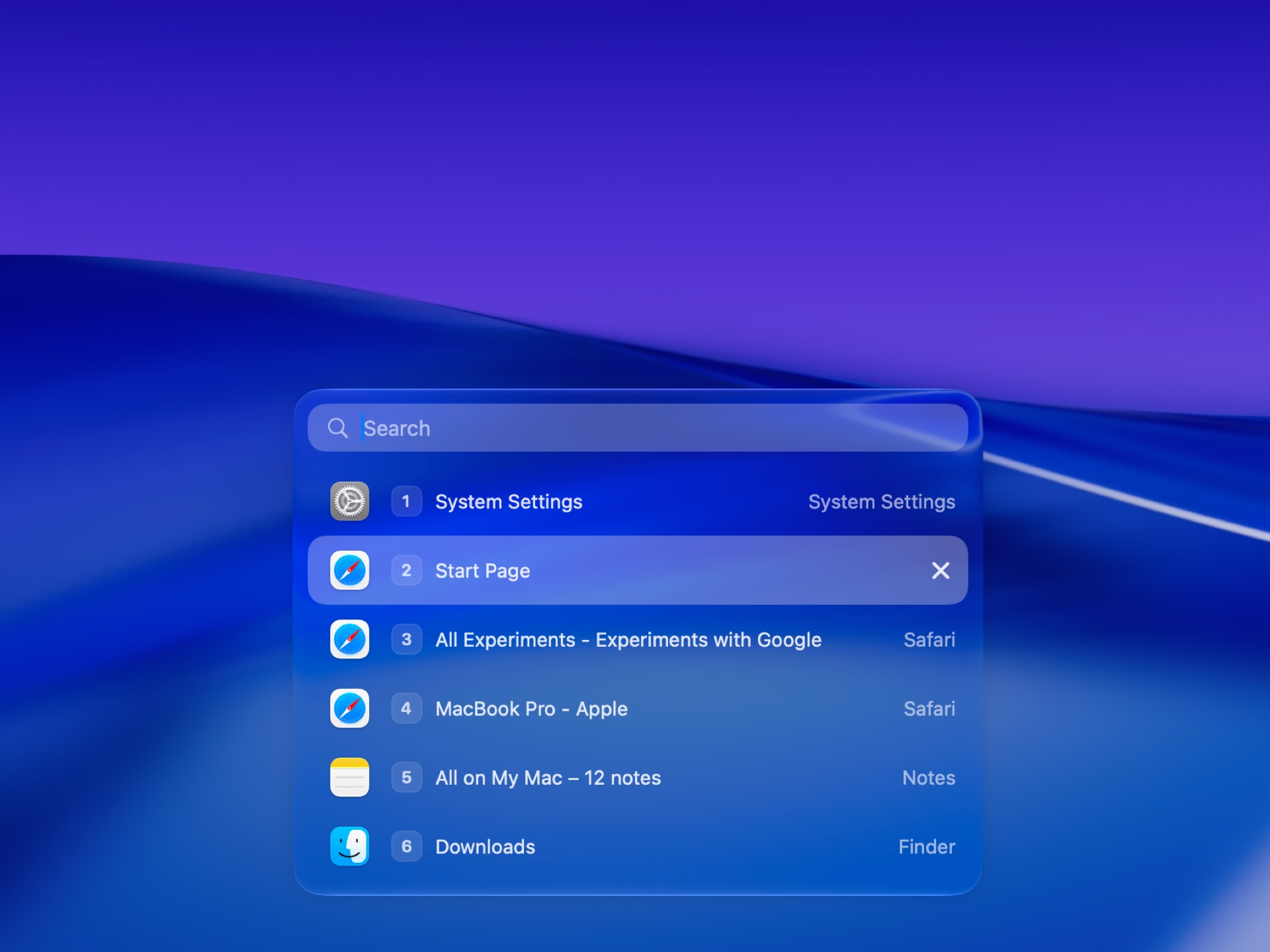
In the vertical list, search by window title, app name, or pinyin. Fuzzy matching brings it up when you only remember a few letters.
Hover over a Dock icon to preview that app’s windows and open the one you need. You can close or minimize a window there, or control supported media without switching apps.

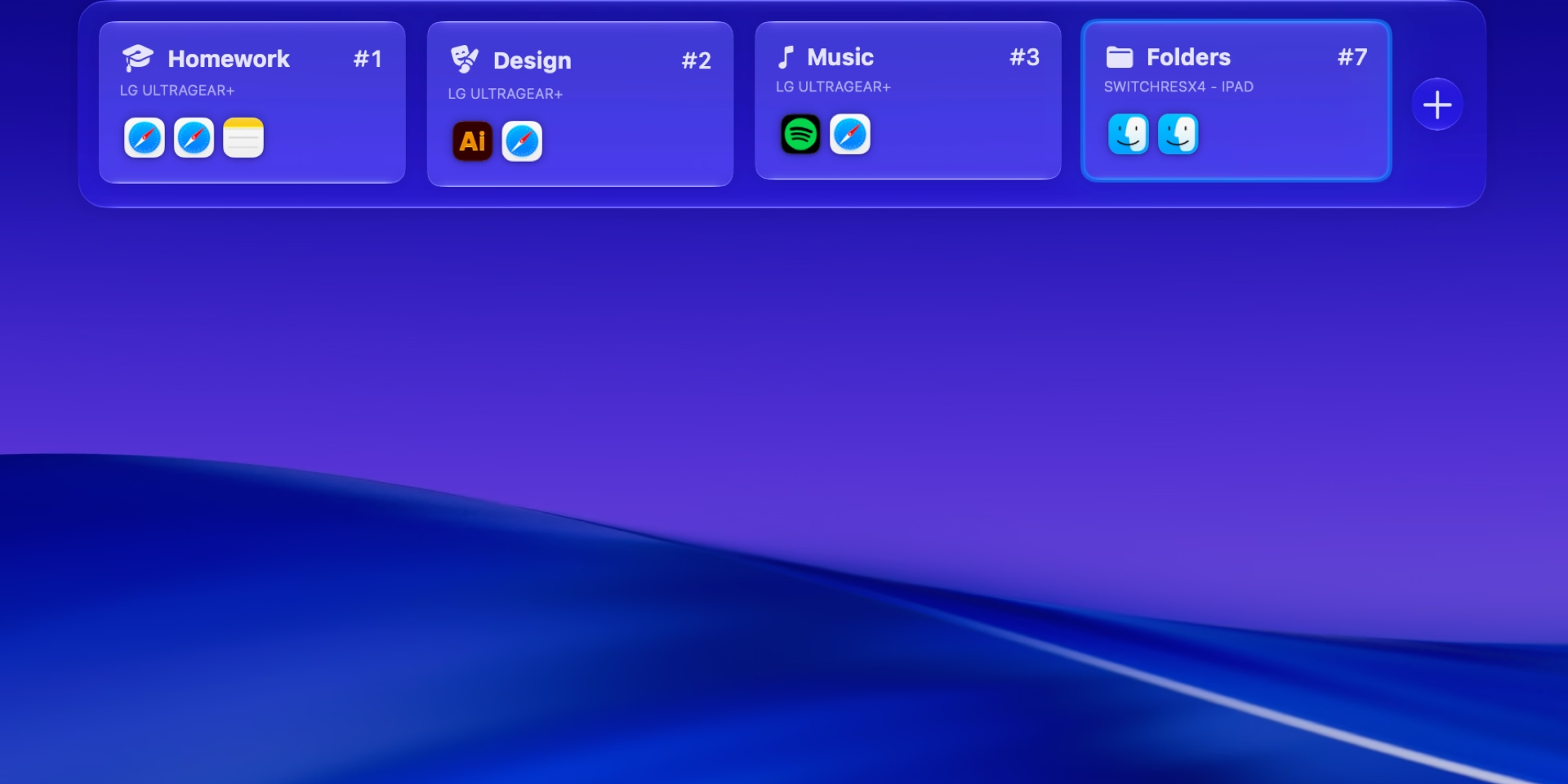
Save the windows in a macOS Space as a Workspace and restore them when you need them. Window positions, sizes, tab groups, and split layouts return together. You can change the target Space and set a shortcut.
Testimonials
Okay this is the best, most seamless amd smoothest window management tool i have used yet. And i have tried them all. Really awesome work done here 🎉🎉🤗🤗🤗🙌🙌🙌🙌. Keep making it awesomer!!!!
Yeah this actually looks more practical than a lot of tiling apps. Arranging windows is nice, but being able to switch between them properly matters just as much. Thanks for this buddy !!
oh, you mean I can use just one app instead of rectange, dockdoor and alt tab? sign me up!
I am one of the beta testers and I just have to say that this app is great. The dev is really friendly and nice as well and will always respond which is always a plus
I love those tabs
Beautiful application. I love AltTab to death, but this one definitely made me pause
Looks pretty good! I'm quite committed to Aerospace and built a couple of utility apps for it (only for myself), but this one looks really really promising! Great job! I'll let you know how it goes :)
Balances beauty and speed perfectly. Excellent UX, promising future.
Comprehensive window management - let me uninstall multiple apps, and my Mac stopped lagging.
Testimonials translated from English.

Try Tangrid free for 7 days. One-time purchase, 14-day money-back guarantee.