12 Best macOS Window Managers in 2026
Compare macOS window managers for snapping, automatic tiling, window tabs, CLI automation and AI agent Skills.
What is the best Mac window manager?
Tangrid is a good fit if you want automatic tiling, cross-app window tabs, snapping and window search in one app. Choose Rectangle for free snapping, Amethyst for free automatic tiling, AeroSpace for an i3-style keyboard workflow, or Swish for trackpad gestures. For basic placement without installing an app, start with macOS window tiling.
Compare the tools
| Tool | Best for | Controls and layout | License |
|---|---|---|---|
| TangridOfficial source | Automatic tiling with window tabs | Auto Flow tiling, window tabs, separate Snap Assistant mode, search, Dock previews, CLI and AI agent Skill. | One-time purchase; 7-day trial |
| RectangleOfficial source | Free window snapping | Halves, quarters, thirds, sixths, and more | Free and open source |
| AmethystOfficial source | Free automatic tiling | Cycle tall, wide, column, row, BSP, and other layouts | Free and open source |
| AeroSpaceOfficial source | An i3-style keyboard workflow | TOML configuration and CLI commands | Free and open source |
| SwishOfficial source | Trackpad gestures | Swipe a window’s title bar | Paid |
| macOS window tilingOfficial source | Basic tiling without another app | Drag, green button, or Window menu | Included with macOS |
| MagnetOfficial source | Snapping from a Mac App Store app | Halves, quarters, thirds, and maximize | Paid |
| Rectangle ProOfficial source | Custom snap targets and window throwing | Custom sizes, positions, repeated actions and snap targets | Paid |
| MoomOfficial source | Custom grids and saved layouts | Custom grids and configurable snap regions | Paid |
| LoopOfficial source | A radial placement menu | Hold a trigger key and use the radial menu | Free and open source |
| Raycast Window ManagementOfficial source | Window commands inside Raycast | Commands for halves, thirds and quarters | Free core commands |
| yabaiOfficial source | Scriptable BSP tiling | Configuration files, scripts, and CLI commands | Free and open source |
Cost models are listed rather than temporary offers. Check the official source for current prices and macOS requirements.
Tangrid: automatic tiling with window tabs
Choose Tangrid when you want related windows to share a tabbed area and the remaining windows to tile around them. Auto Flow uses BSP layouts and native macOS Spaces. Snap Assistant is a separate mode for manual placement. Tab Grouping requires Auto Flow; Tangrid requires macOS 14 or later.
Tangrid includes a CLI for querying windows, arranging Flow and Snap layouts and applying JSON layouts. Its AI agent Skill guides local agents with shell access through these commands. Window control requires the Tangrid app to be running.
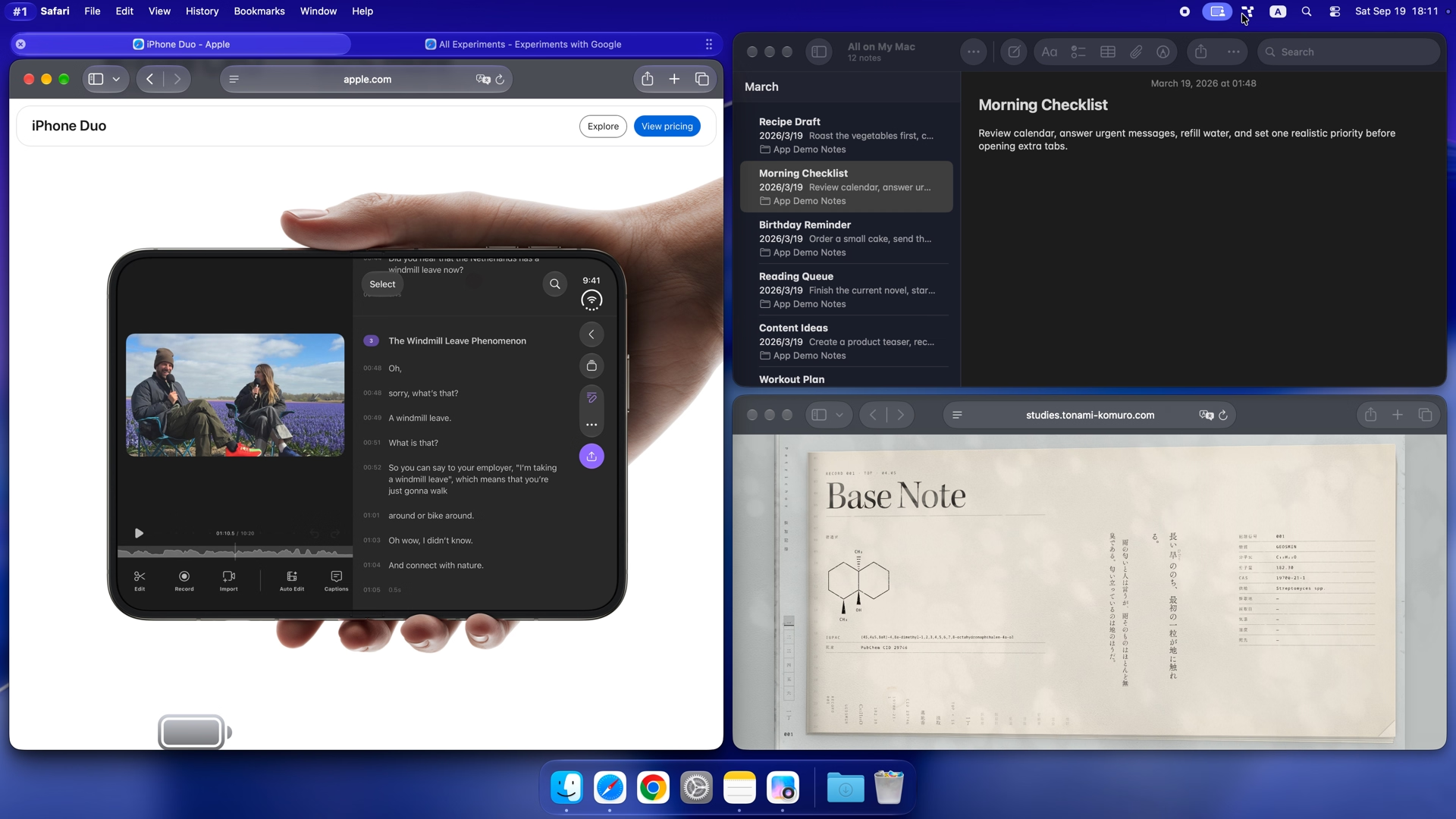
If you only need fixed snap positions, Rectangle is a simpler free starting point. For saved window arrangements, compare Moom and Rectangle Pro.
How to choose
Snapping or automatic tiling?
Snapping moves a window to a position when you drag it or run a command. Rectangle, Magnet, Loop and Raycast suit that workflow. Automatic tiling rearranges managed windows as they open or close. Compare Tangrid, Amethyst, AeroSpace and yabai if you want the layout to keep adjusting.
Replace Rectangle + AltTab + DockDoor with one native app
Many Mac users run three separate utilities: Rectangle for window snapping, AltTab for individual-window switching and DockDoor for Dock hover previews. Tangrid consolidates 18-position snapping, Auto Flow BSP tiling, cross-app window tabs, live window switching with fuzzy and pinyin search, and Dock previews into one native macOS app with one set of permissions and no shortcut conflicts.
Common matchups: AltTab vs DockDoor, yabai vs Rectangle, Rectangle vs AeroSpace
AltTab vs DockDoor comes down to switching style versus Dock previews: AltTab focuses on keyboard window switching, while DockDoor adds Dock hover previews. yabai vs Rectangle and Rectangle vs AeroSpace separate manual snapping from automatic tiling: Rectangle snaps on demand, AeroSpace uses TOML config and virtual workspaces, and yabai uses scripts with optional SIP changes for scripting additions. Tangrid covers both snapping and BSP auto tiling with GUI controls, native Spaces, search and Dock previews.
Upgrading macOS Sequoia & Tahoe built-in window tiling
macOS Sequoia and Tahoe add built-in halves, quarters and Fill, but omit thirds, sixths, automatic BSP tiling, cross-app window tabs and modifier-key resizing from inside a window. Pair or replace built-in tiling with Tangrid to get an 18-position 3×6 grid, Auto Flow layouts, window search and Dock previews on macOS 14 or later.
App settings or configuration files?
Tangrid combines app settings with a CLI and an AI agent Skill for local automation. Amethyst offers layout preferences and shortcuts. AeroSpace supports CLI commands, TOML configuration and its own virtual workspaces. yabai supports CLI commands and event scripts; some advanced scripting-addition features require partial SIP changes, while core tiling does not.
Multiple displays and macOS Spaces
Check how a tool moves windows between displays, handles different screen sizes and works with your desktops. Native macOS Spaces and AeroSpace virtual workspaces are different systems. For reusable window positions, inspect Moom or Rectangle Pro; for automatic layouts with per-display gaps and native Spaces, inspect Tangrid.
Methodology and sources
We compare the job each tool is designed for, its controls, configuration and license model. The table covers Mac window placement and tiling; the related comparisons also cover switching, Dock previews and moving from Windows. Official product pages and documentation are linked in each row.
Tangrid publishes this guide and develops one of the apps compared. Recommendations reflect documented capabilities, not independent benchmark scores or hands-on testing of every app.
Mac window manager FAQ
What is the best free Mac window manager?
Rectangle is a good starting point for free window snapping. Amethyst adds automatic tiling, AeroSpace offers an i3-style workflow with TOML configuration, and Loop uses a radial placement menu. Each is free and open source; choose by how you prefer to arrange windows.
Does macOS have a built-in window manager?
Yes. macOS provides Spaces, Mission Control and Split View. macOS Sequoia and later also provide desktop window tiling. These are a useful starting point for basic placement; compare third-party tools when you need additional snap positions, automatic tiling or cross-app window tabs.
When should I choose Tangrid instead of Rectangle?
Choose Tangrid when you need automatic BSP tiling, cross-app window tabs, window search or Dock previews alongside snapping. Rectangle remains a good free option for fixed window placement. Tangrid is paid with a 7-day trial, requires macOS 14 or later, and supports window tabs in Auto Flow mode.
Which Mac window manager works well with multiple monitors?
Match the tool to the job: Tangrid provides automatic layouts with per-display spacing and native macOS Spaces; Moom and Rectangle Pro support reusable arrangements; AeroSpace assigns its virtual workspaces to monitors. Check screen sizes, window movement and display reconnection with your own setup during a trial.
Detailed Mac window manager comparisons
Snapping and placement
Tiling and grouping
Switching and Dock previews
Moving from Windows

Upgrade the way you manage windows on your Mac.
Try Tangrid free for 7 days. One-time purchase, 14-day money-back guarantee.