Can I check my current macOS desktop at a glance?
Yes. Space Indicator shows the current desktop number. You can adjust its horizontal and vertical position to keep it in view.
If several desktops look alike, Space Indicator shows the number of the one you're using. Put it where you naturally look. When you move the pointer over it, it hides so you can reach the content below.
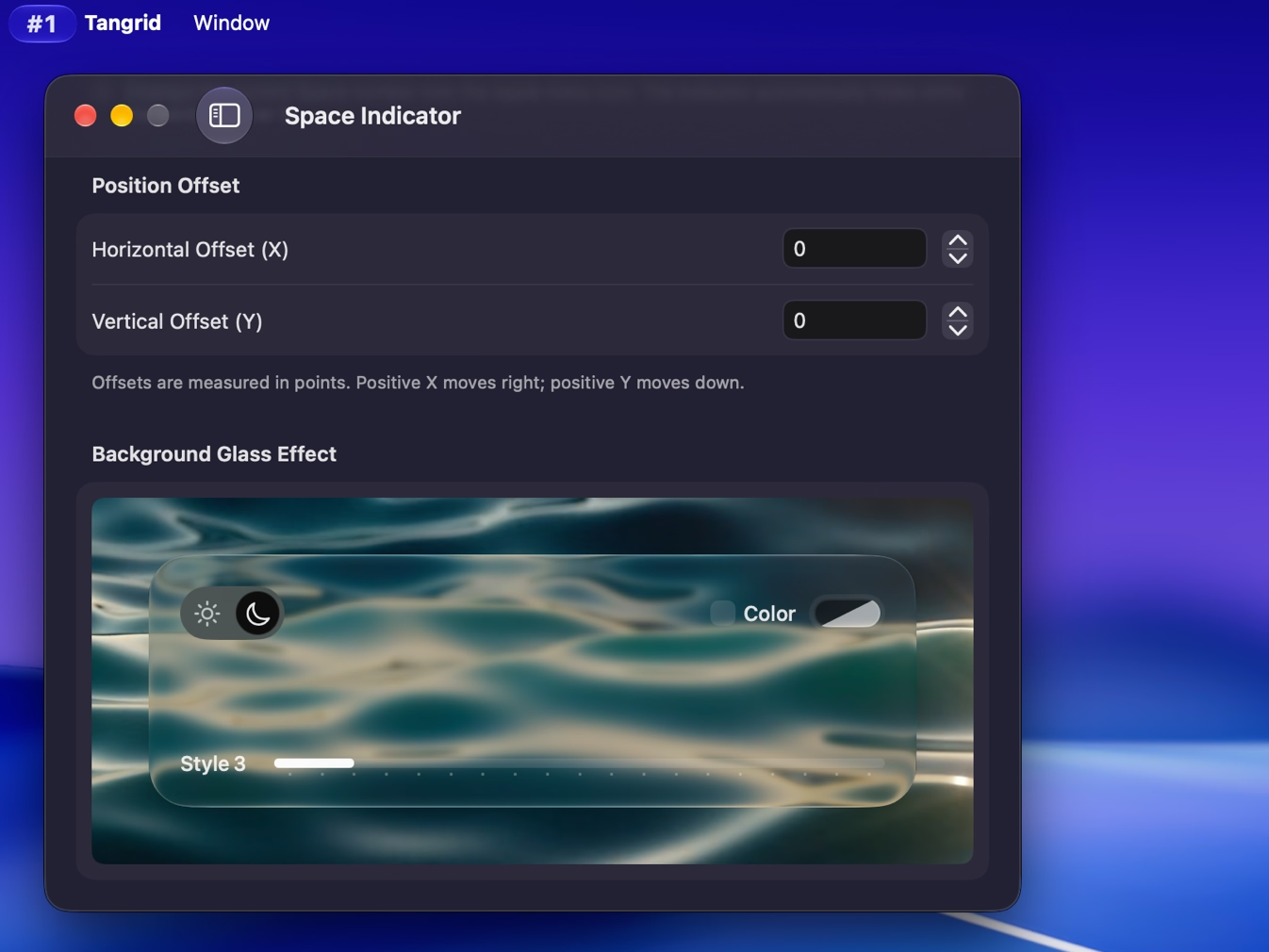
On macOS 26 or later, adjust the Liquid Glass light or dark mode, style, tint, and transparency. You can keep the number legible against your wallpaper without making the background too prominent.
Yes. Space Indicator shows the current desktop number. You can adjust its horizontal and vertical position to keep it in view.
Yes. Set horizontal and vertical offsets in Space Indicator preferences to place it near your line of sight and away from the screen areas you use most.
It hides so you can use the content underneath. This behavior is built in and has no separate on or off setting.
Space Indicator shows which desktop you're on. Workspaces restores a saved project layout. The indicator doesn't move windows between desktops or restore layouts.

Try Tangrid free for 7 days. One-time purchase, 14-day money-back guarantee.